
MyST’s plugin system makes it easy to add small, focused behaviors to your Jupyter Book or MyST project. The myst-plugins repository is a community-maintained collection of plugins you can use (and contribute to).[1]
In this post we wanted to quickly share the page-last-updated plugin. It adds a small Updated: line underneath the title of each page. It uses your project’s git history to find the most recent commit that touched each file, then inserts the timestamp into the rendered page.
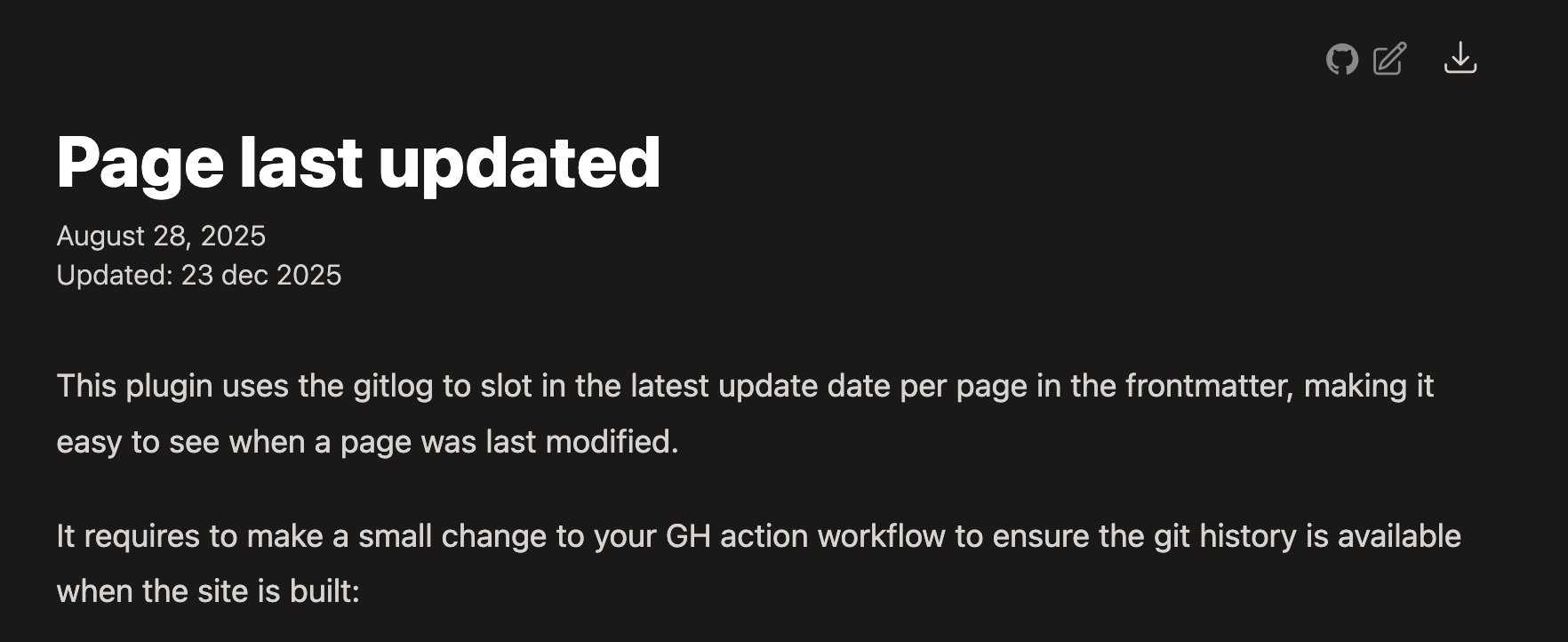
The last-updated plugin adds this little line underneath the title of each page.
You can find the current release at https://
How it works
Under the hood, the plugin runs git log -1 --follow for each source file to get a “last updated” timestamp, then it modifies the page AST to add a small node at the top of the page content. Here’s the logic that modifies the page AST. If you’re curious, the full implementation is in page-last-updated.mjs:
plugins
Want to build your own plugin?
If you’ve been thinking about a plugin for your own project, consider contributing it to myst-plugins so others can reuse and improve it.
Thanks to @FreekPols for contributing this plugin!
You can enable the plugin by linking to its released
.mjsfile in your MyST configuration:project: plugins: - https://github.com/jupyter-book/myst-plugins/releases/download/page-last-updated/page-last-updated.mjs